- How do I print a web page without ads?
- Add Screenbreak to Chrome, Edge or Firefox on your computer, open the article and click the Screenbreak button. It leaves out the ads, menus and pop-ups, sets the article in a design that fits it, and opens your print window. No account needed.
- Is Screenbreak free?
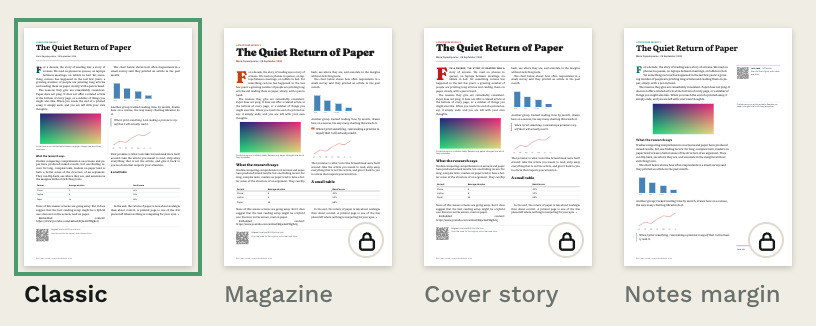
- Yes. Printing is free and needs no account. A free account adds all 11 designs, a library of saved articles, booklets, Save PDF and Send to Kindle.
- How do I save a web page as a PDF?
- Click the Screenbreak button, then choose Save as PDF in the print window. With a free account, Save PDF makes the PDF file for you in one click.
- Why does Screenbreak print on fewer pages?
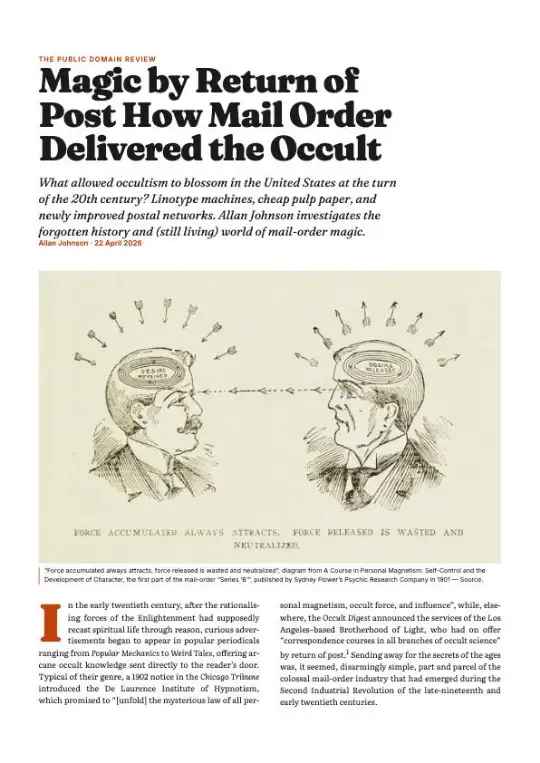
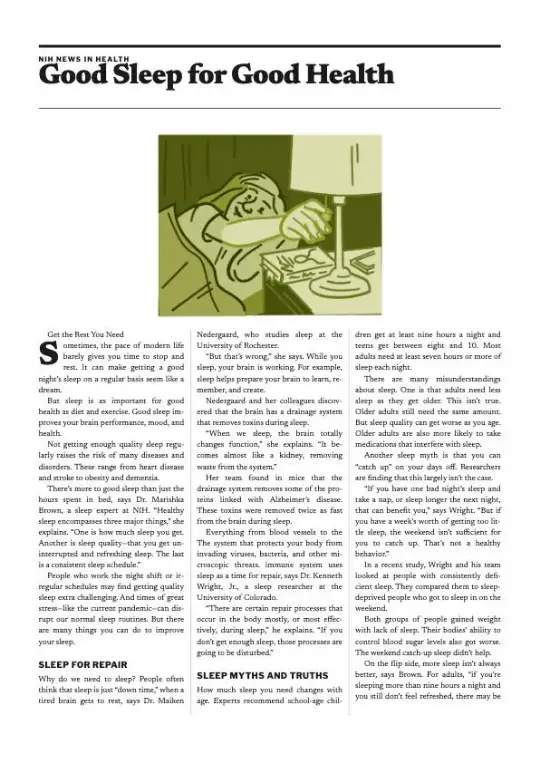
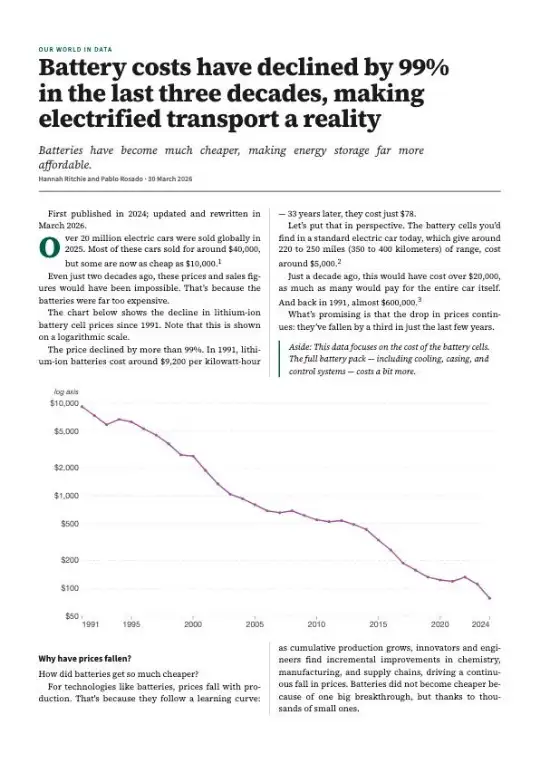
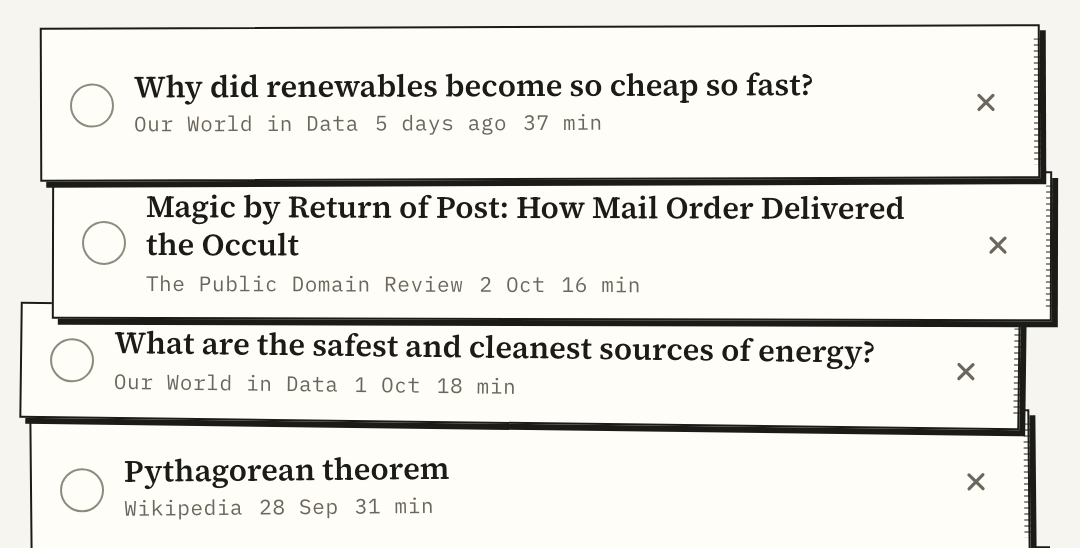
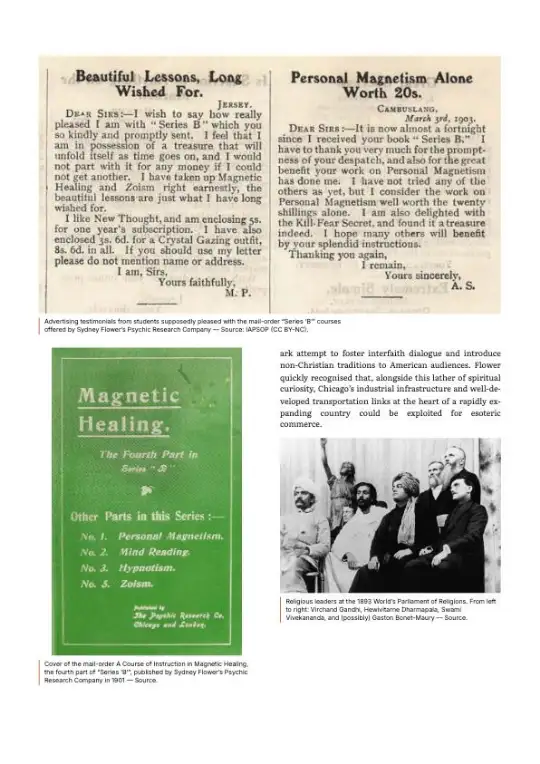
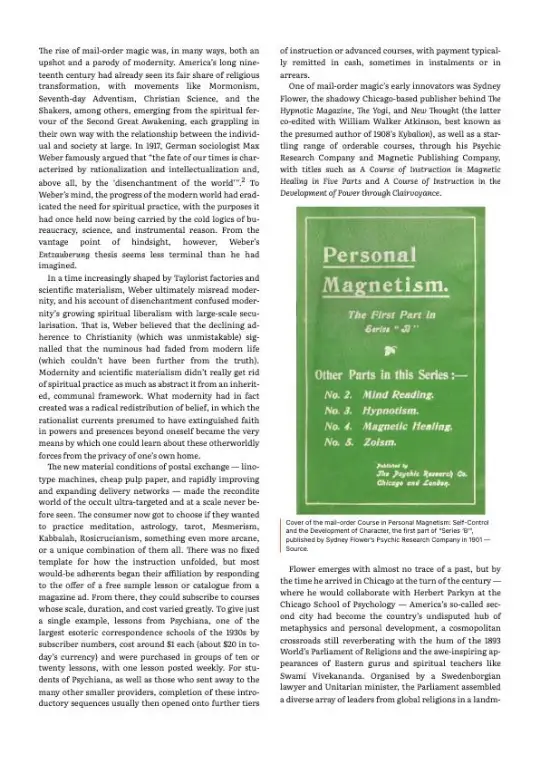
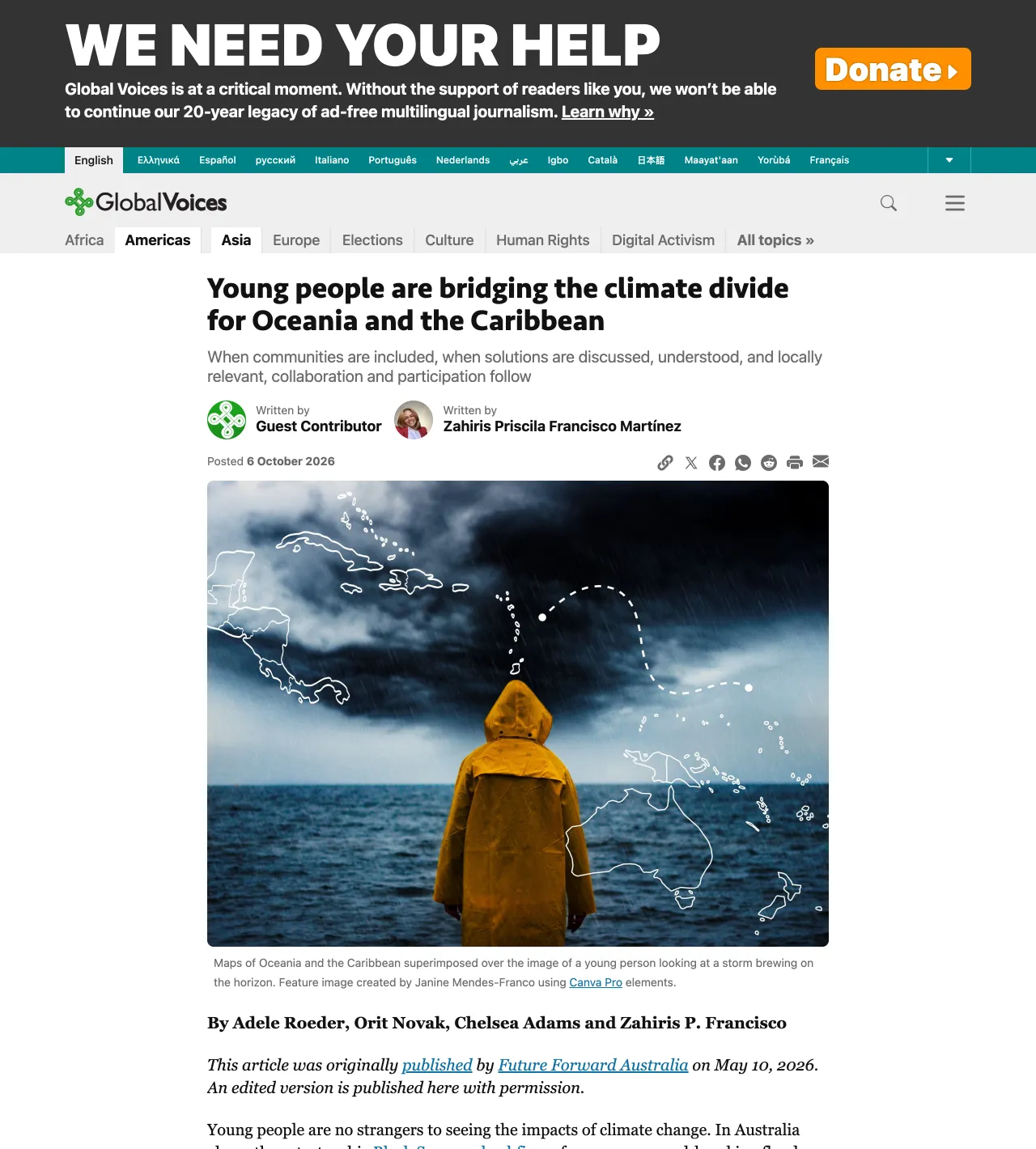
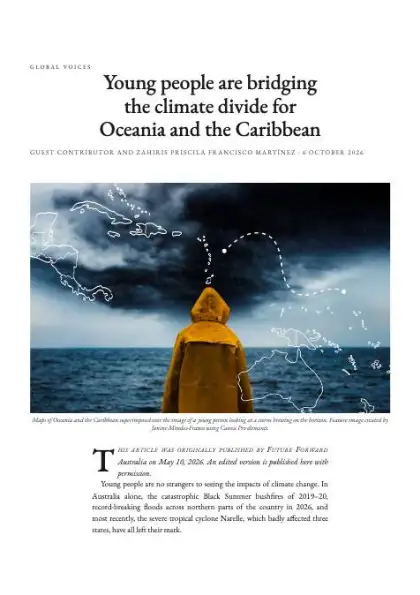
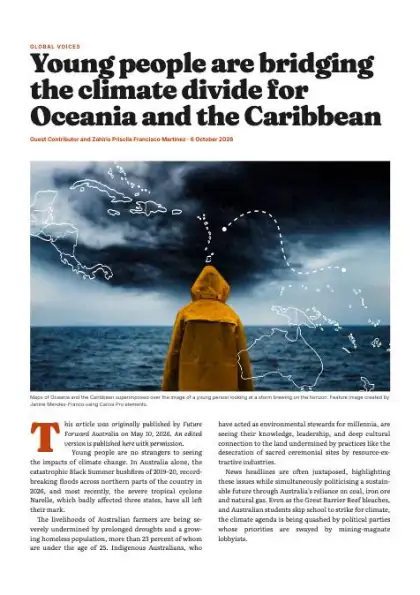
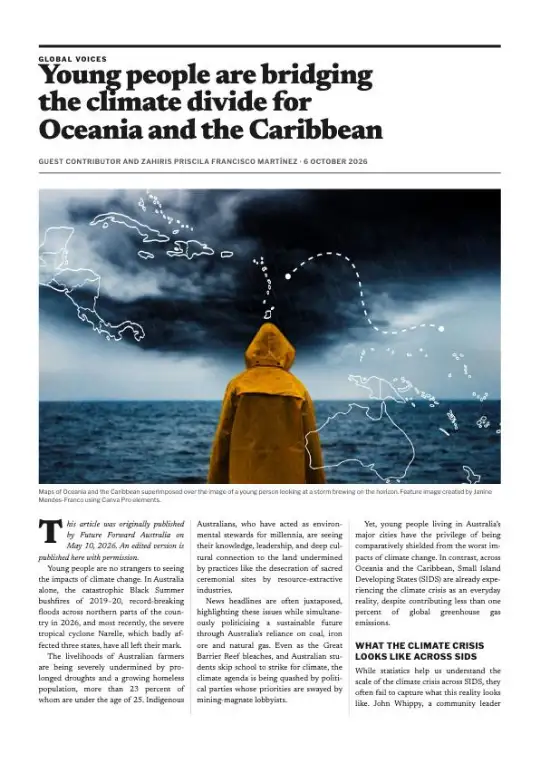
- It prints the article only, without the menus, ads and empty space around it, in a design made for paper. On our home page example, 31 screens of scrolling became 10 pages.
- How do I send a web article to my Kindle?
- Save the article to your free Screenbreak account, add your Kindle address once, then click Send. It arrives as a real e-book, not a PDF: one article or a whole booklet.
- Which browsers does Screenbreak work in?
- Chrome, Edge and Firefox on a computer: Windows, macOS, Linux and ChromeOS. It does not work on phones or tablets.
- Does Screenbreak keep the pages I print?
- No. When you print, the extension sends the article's text and layout to our print service, which picks the design. The service does not keep it. Signed in, you can turn on "Also save what I print" to keep a copy in your library.